Login
Login

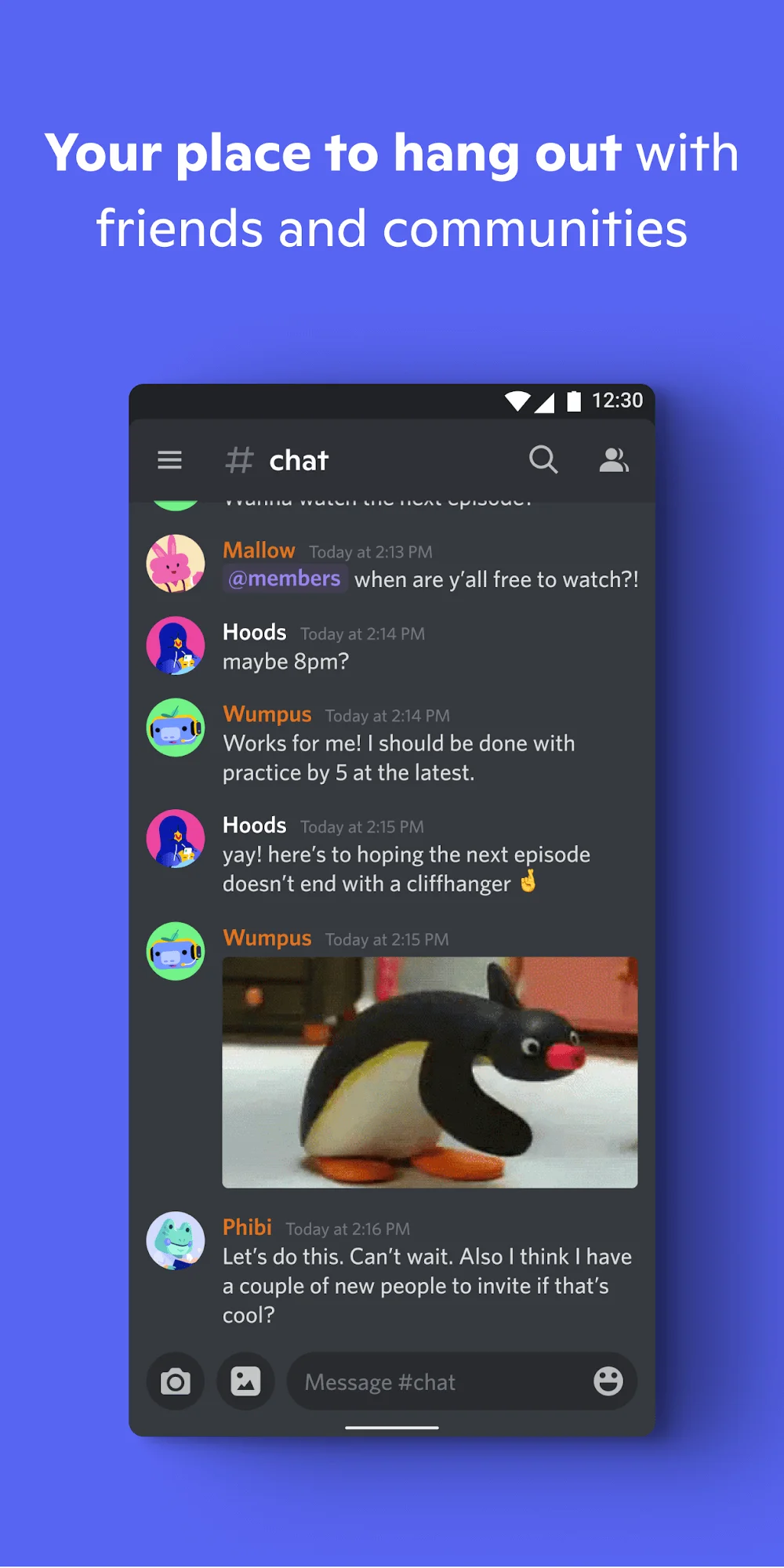
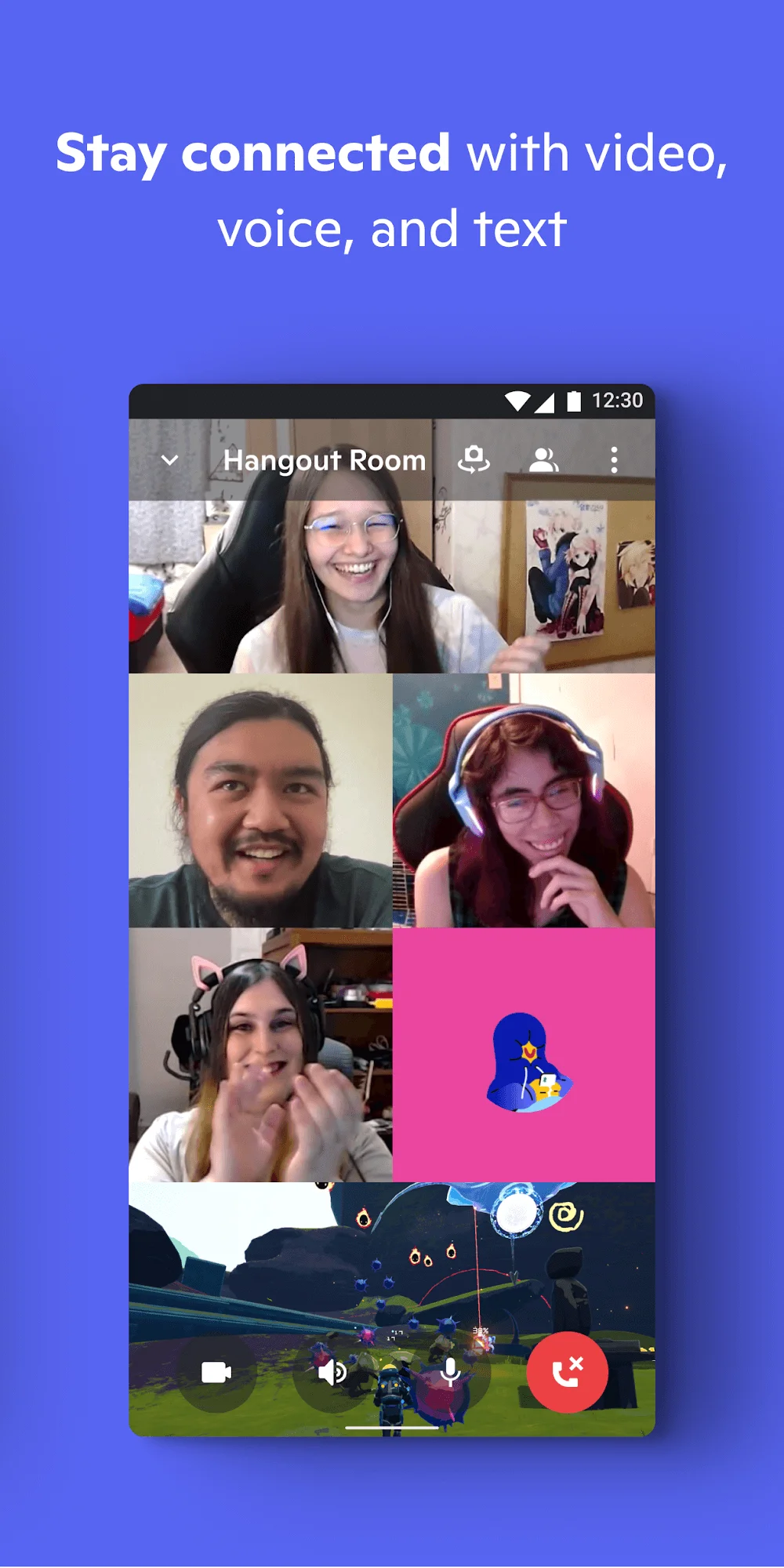
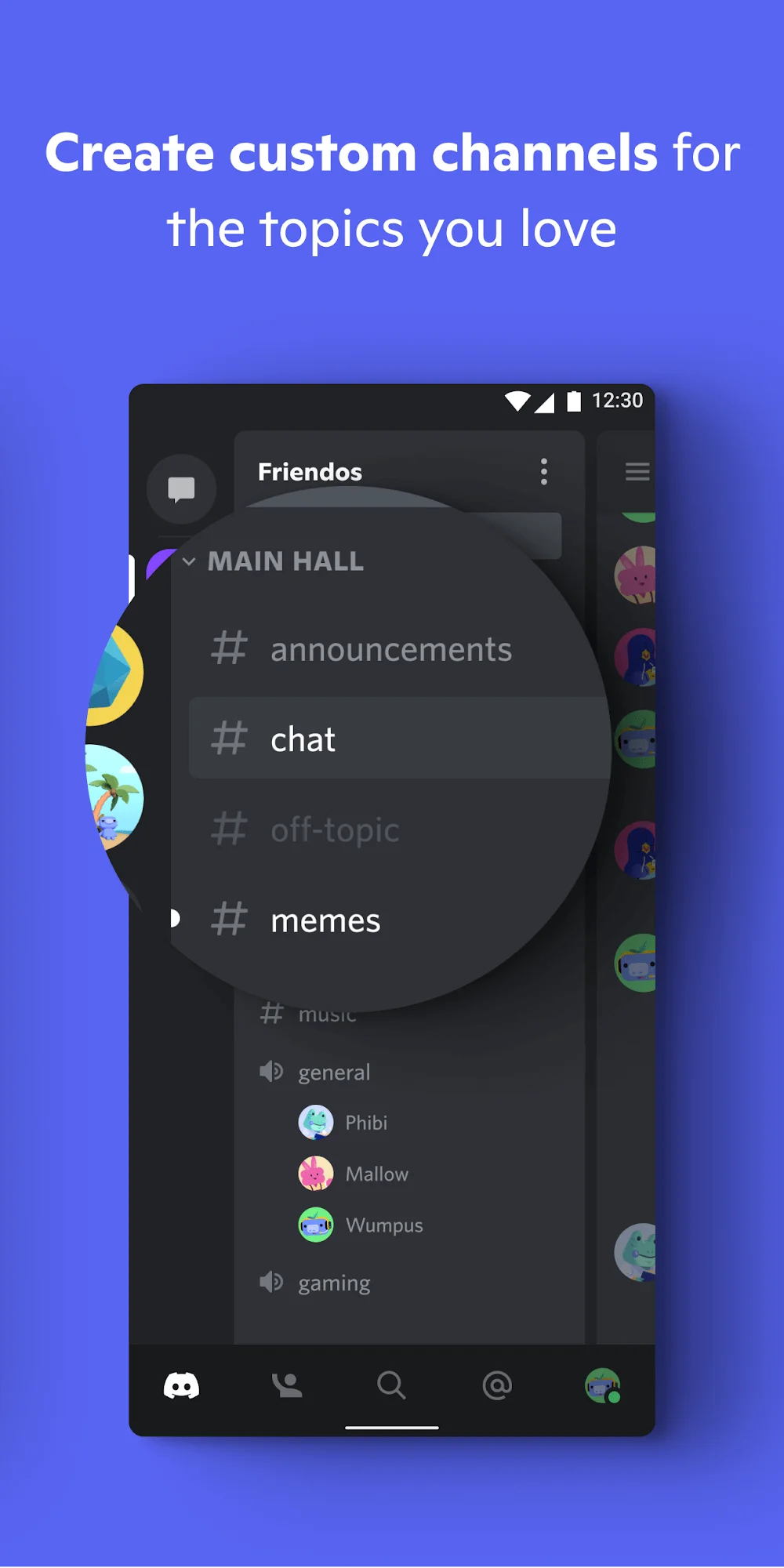
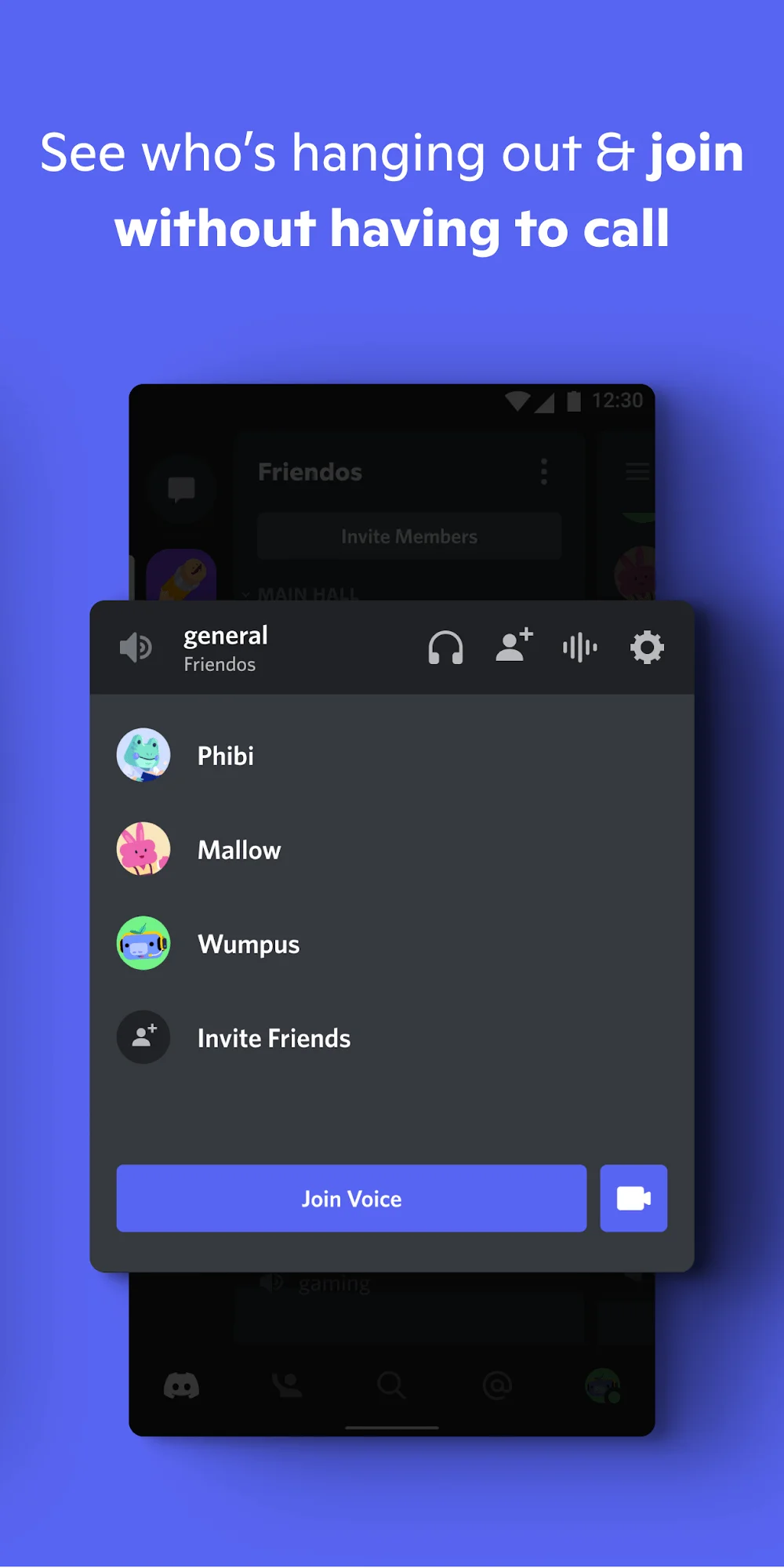
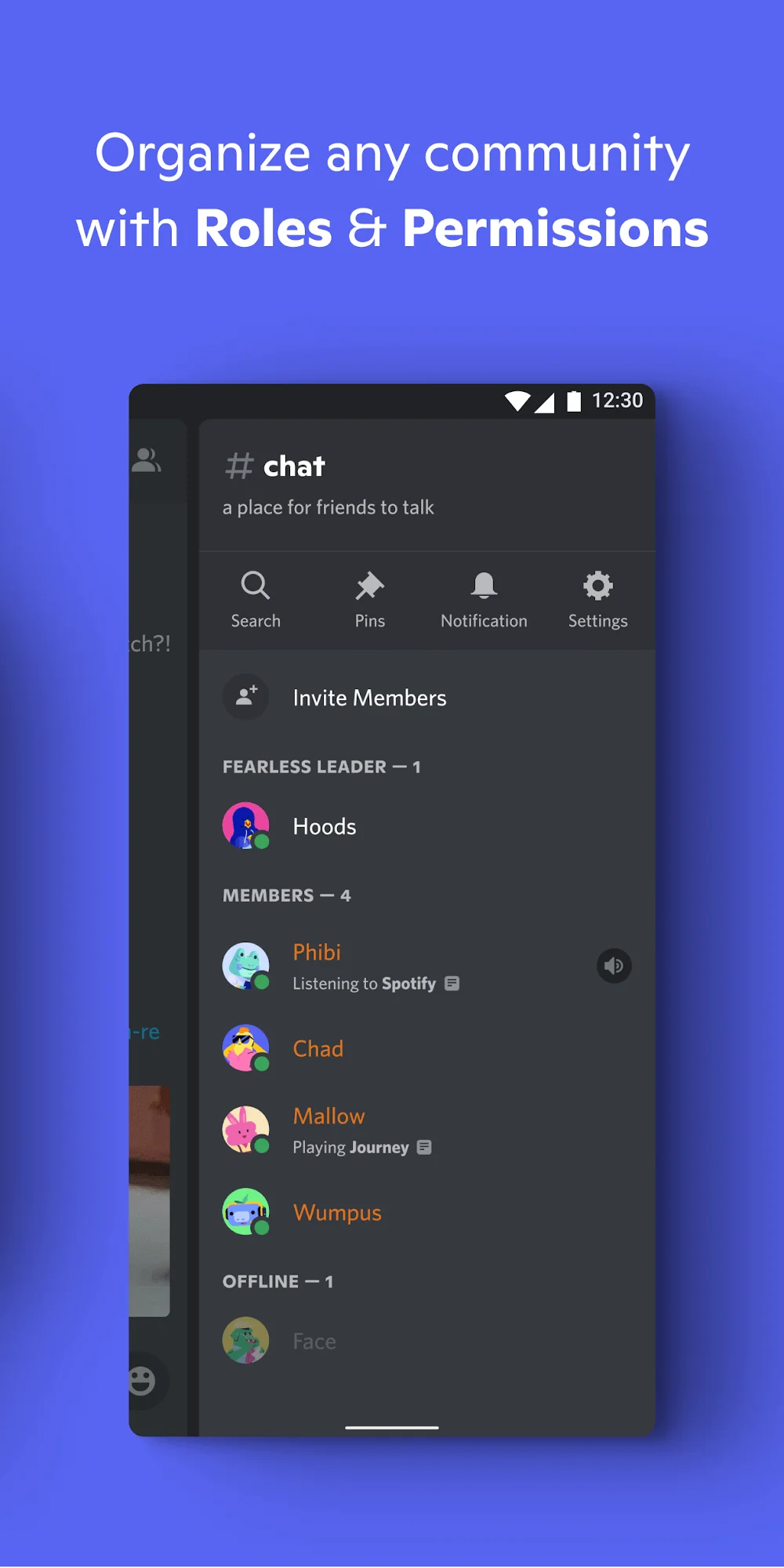
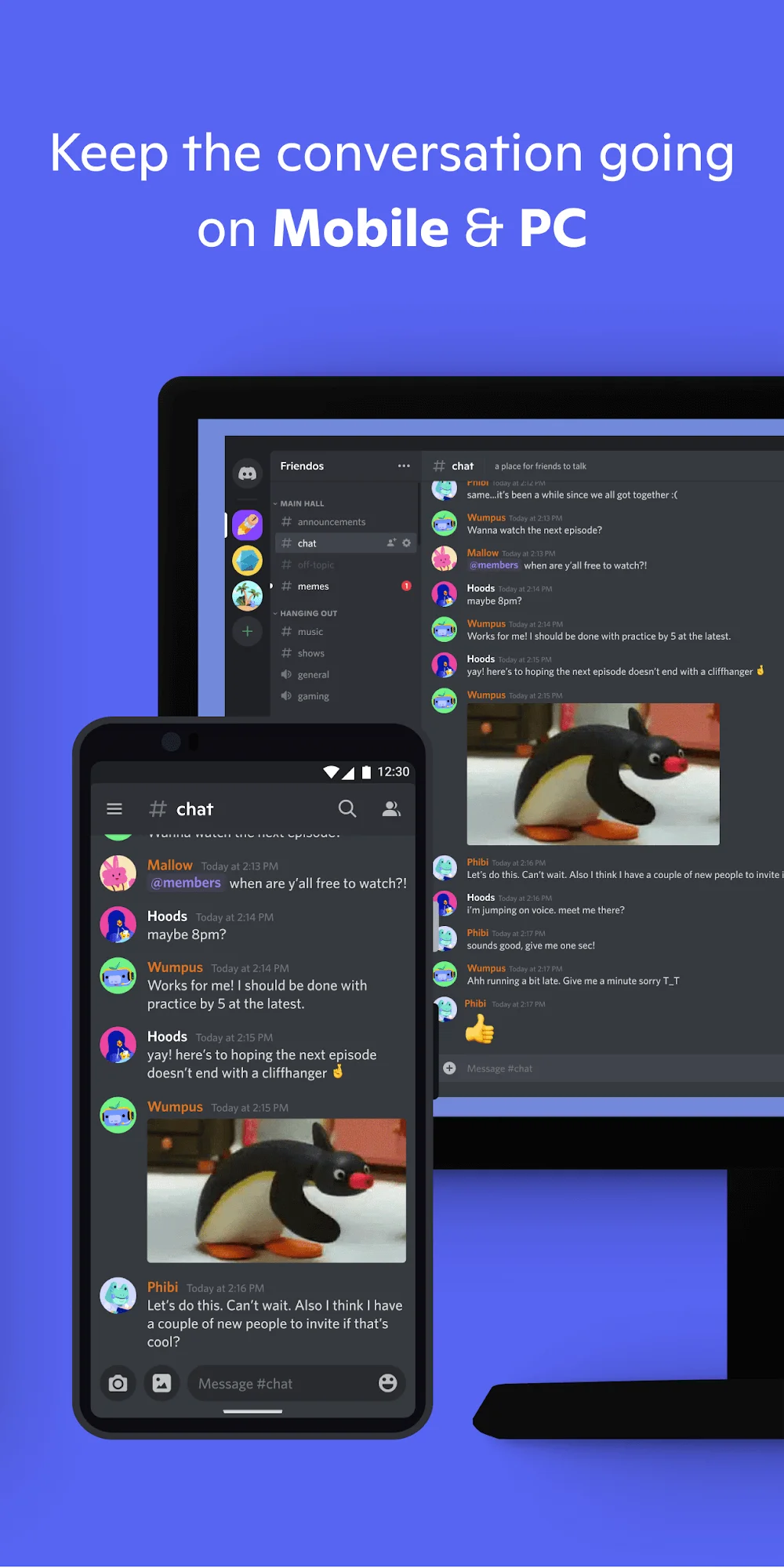
Discord has become the go-to communication app for gamers who want more than just basic messaging. This enhanced version brings some quality-of-life improvements that make chatting with your gaming crew even smoother. The developer mode unlock gives you access to additional customization options that aren’t typically available.
Enhanced Messaging Made Simple
The double-tap feature for replying and editing messages is genuinely useful during intense gaming sessions when you need quick responses. You can also zoom in on profile photos now, which sounds minor but comes in handy more often than you’d expect.
What really stands out is the anti-delete message feature that lets you see what people tried to remove from chat. The high-quality streaming and voice chat remain Discord’s strongest points, letting you hang out virtually while gaming together. This optimized version runs smoothly across different devices without the usual lag issues.
Additional Information
- Version 226.17
- Requires Android
- Update Apr 17 2026
- Developed by Discord Inc.
- Category Communication
- Package Name com.discord
Mods information
New base updated to 126.20 – Stable (Playstore)
[Enabled] – Developer mode
[Added] Ability to reply to messages or edit your messages with double tap
[Added] Zoom on profile photos
[Added] Option – Anti-delete messages [Includes an option to download or create a text document with deleted messages]
[Added] Option – Anti-edit messages [Includes an option to create a text document with edited messages]
[Added] Option to download profile pictures
[Added] Option to copy profile picture URL
[Added] Option to copy username
[Added] Option to display the date I created the account
[Added] Option – Anti-delete reactions
[Added] Option to lock the app with a pin
[Added] Option to reveal message spoilers
[Added] Option to send media as spoilers
[Added] Option to translate messages
[Added] Do not add to groups (Beta)
Whats news
We’ve been hard at work making Discord better for you. This includes bug fixes and performance enhancements. For more detailed information, go to your profile in the app and scroll down to “What’s New”.